

The problem usually isn’t sending surveys, it’s getting enough people to actually respond for the results to mean anything.
Teams send NPS, CSAT, onboarding surveys, renewal surveys… and then quietly stop paying attention, because:
-
The sample size is too small
-
The data feels biased
-
Leadership doesn’t trust it
-
Nothing operational changes anyway
The good news: improving survey response rates doesn’t require new tools, incentives, or “survey magic”.
It requires better timing, relevance, and follow-through, all of which HubSpot already supports if you use it properly.
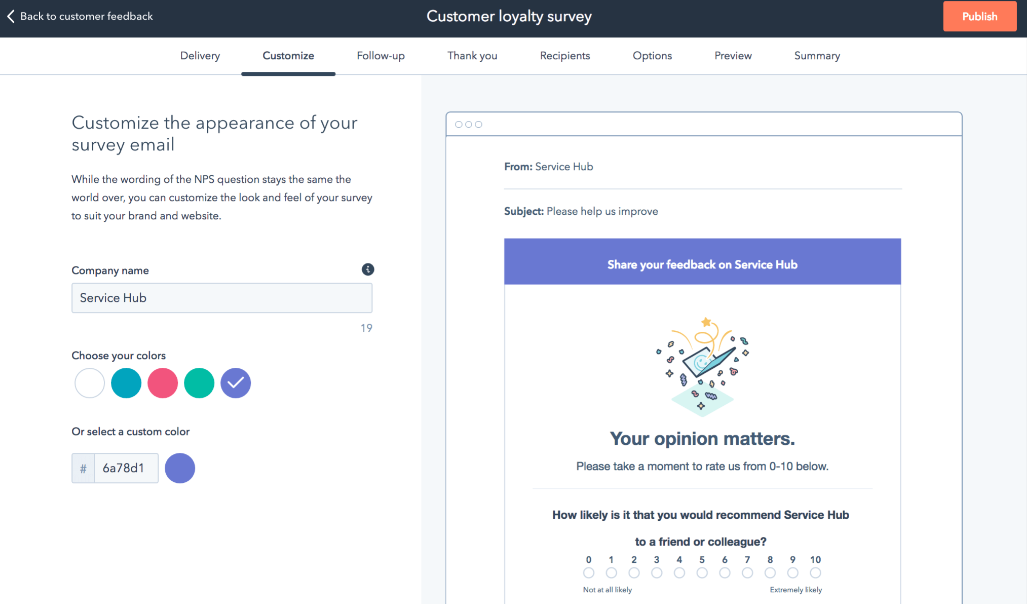
What optimising survey response rates actually means (and why it matters)
Optimising survey response rates isn’t about tricking people into clicking buttons. It’s about earning a response by asking the right person, at the right moment, with a clear reason to care.
When response rates are low:
-
You’re making CX and product decisions on anecdotes
-
NPS becomes a vanity metric
-
Detractors go silent instead of becoming visible
-
Feedback loops break inside the CRM
When response rates improve, survey data becomes operational, not performative, and finally trusted.
Who this is for (and the problem it solves)
This matters most for:
-
Marketing Ops / CRM Managers
-
Customer Success leaders
-
RevOps teams
-
Anyone responsible for reporting “customer sentiment” with a straight face
The core problem is simple:
“We’re collecting feedback, but we can’t confidently act on it.”
Low response rates make surveys feel risky, noisy, and politically inconvenient, so they get deprioritised.
What most teams get wrong about survey response rates
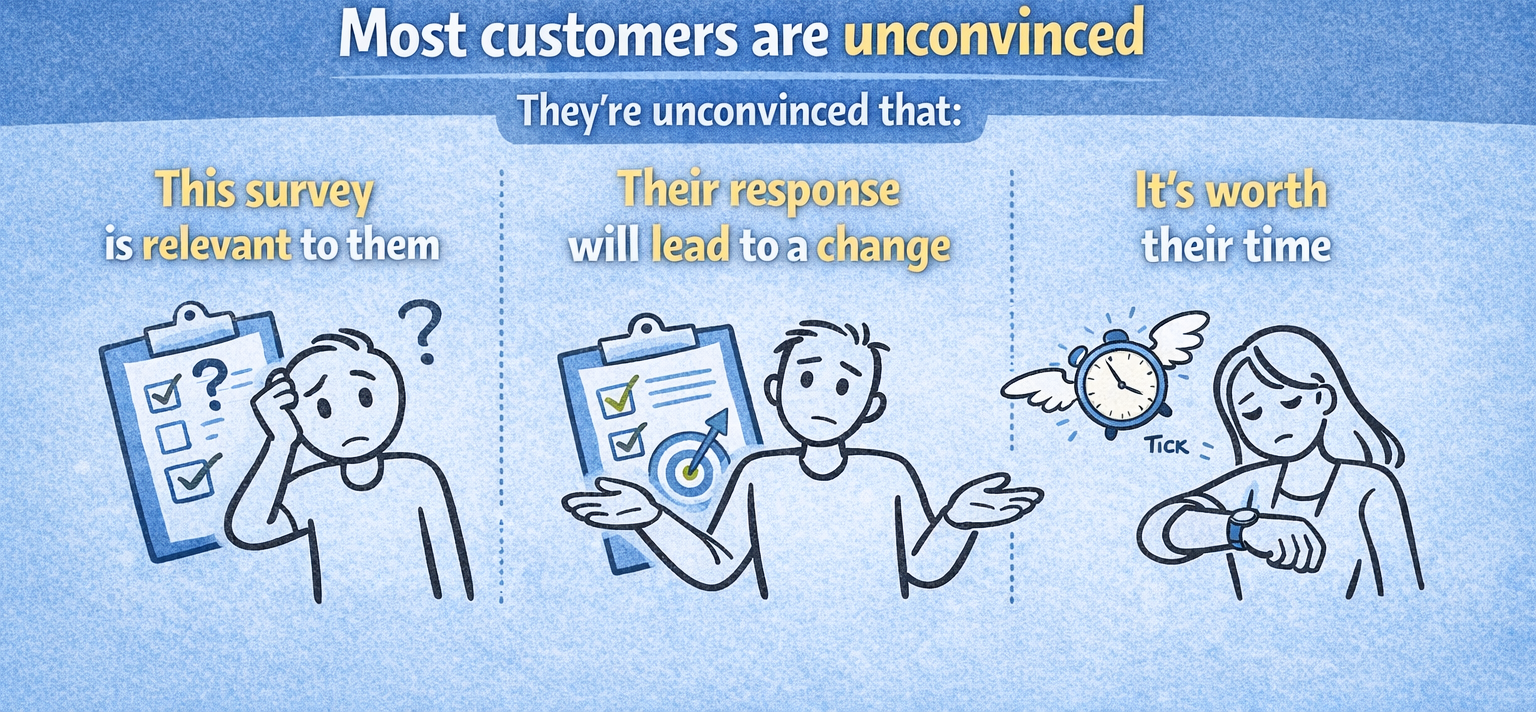
1. “Our customers have survey fatigue”
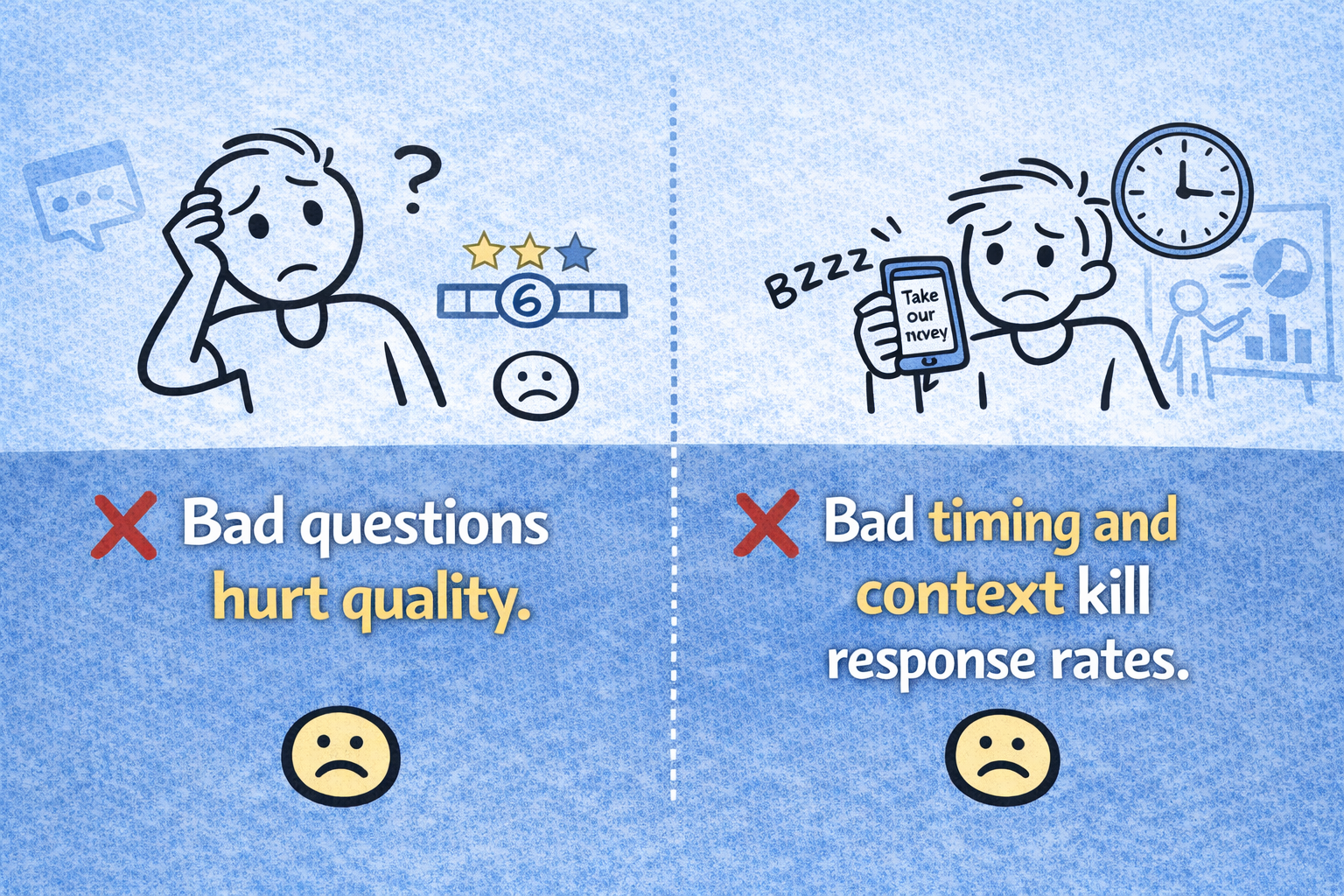
2. “We need better questions”
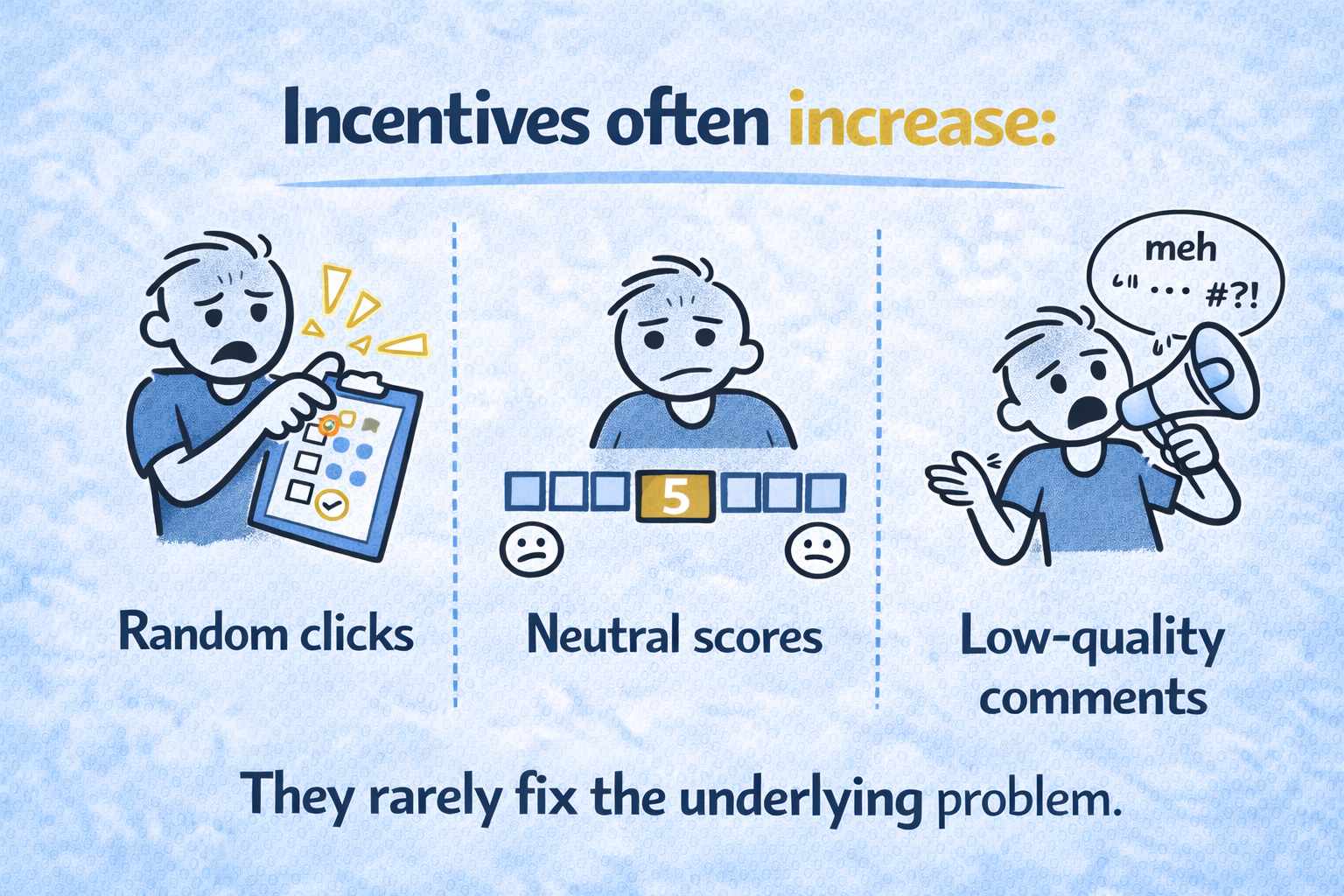
3. “We should offer incentives”
The practical, step-by-step way to improve response rates (especially in HubSpot)
1. Trigger surveys off events, not dates
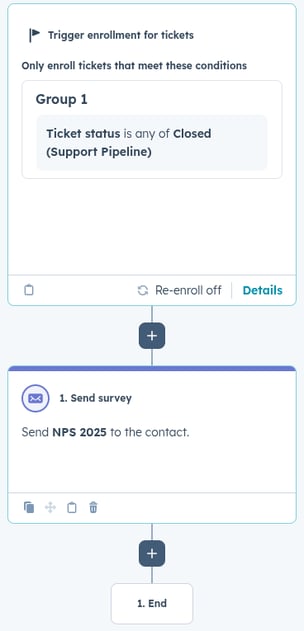
Customer journeys are made up of moments: onboarding completed, a support issue resolved, a feature adopted. These are the moments worth measuring, because they map directly to how customers experience your brand.
The biggest lever is event-based timing, not scheduled sends.
High-performing triggers include:
-
Ticket closed → CSAT
-
Onboarding completed → CES
-
Feature adopted → short pulse survey
-
Customer marked “Active” for 60–90 days → NPS
If your survey is sent “30 days after X” instead of “right after Y”, response rates will suffer.
In HubSpot, this means triggering surveys via workflows, not static schedules.
2. Segment who receives the survey
Not every contact should get every survey.
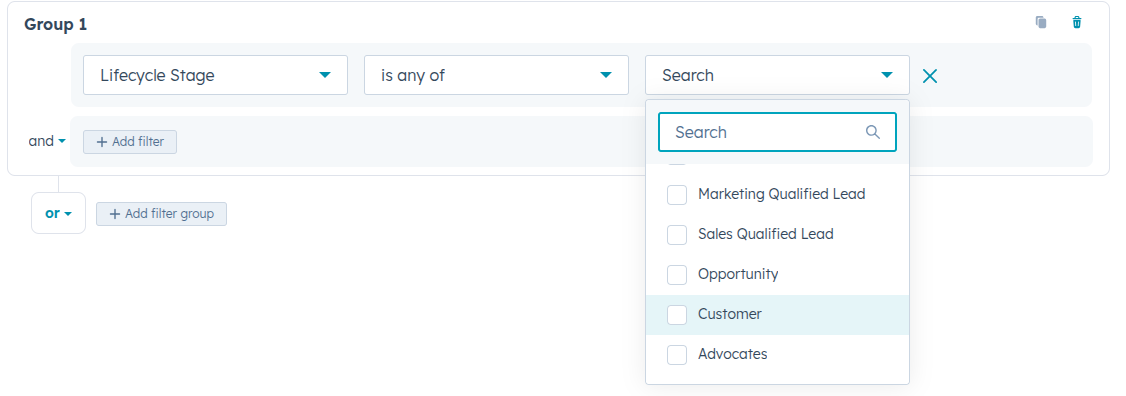
At a minimum, segment by:
-
Lifecycle stage
-
Customer status (active, onboarding, churned)
-
Role or seniority
HubSpot’s contact and company properties make this easy, and relevance beats volume every time.
3. Make the sender human and accountable
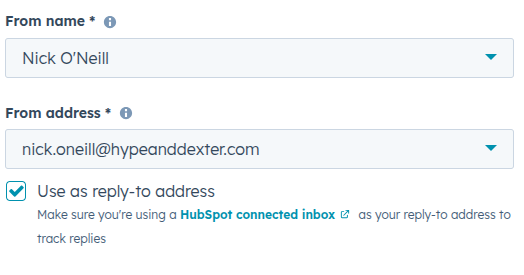
Surveys sent from:
will always underperform surveys sent from:
Sarah, Head of Customer Success
HubSpot allows surveys to be sent from named users or owners. Use it.
People respond to people, especially when there’s implied ownership.
4. Reduce perceived effort, not just question count
One of the fastest ways to improve survey completion rates is to focus less on how many questions you ask, and more on how heavy the survey feels while someone is taking it.
In HubSpot, there are a few simple ways to do this that are often overlooked.
Break surveys into sections (and show progress)
A single-page survey with five questions can feel longer than a multi-step survey with eight.
Why? Because people respond better when they can see momentum.
In HubSpot:
-
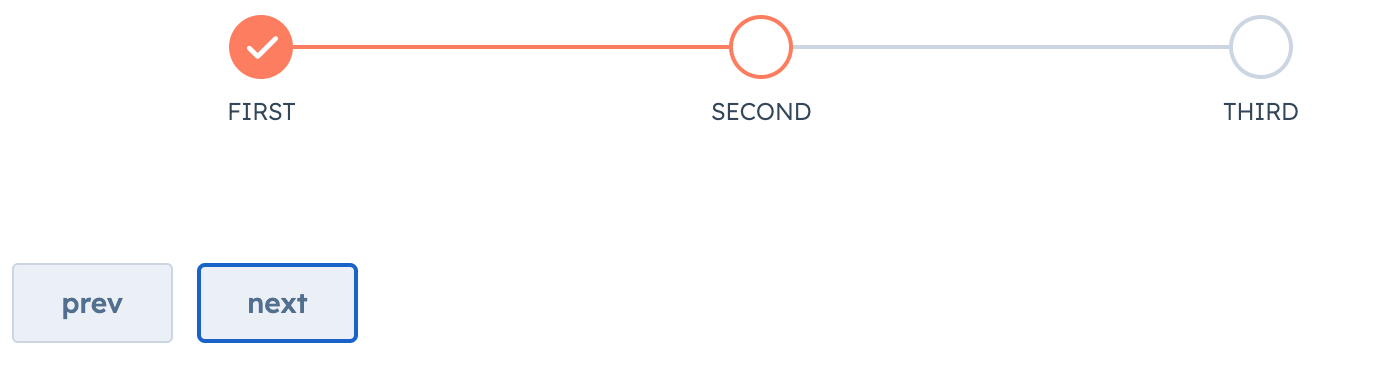
Use multi-step survey layouts where possible
-
Group related questions into short sections
-
Enable or design for a visible progress indicator
Seeing “Step 1 of 3” sets an expectation and reduces drop-off compared to a long scroll of questions.
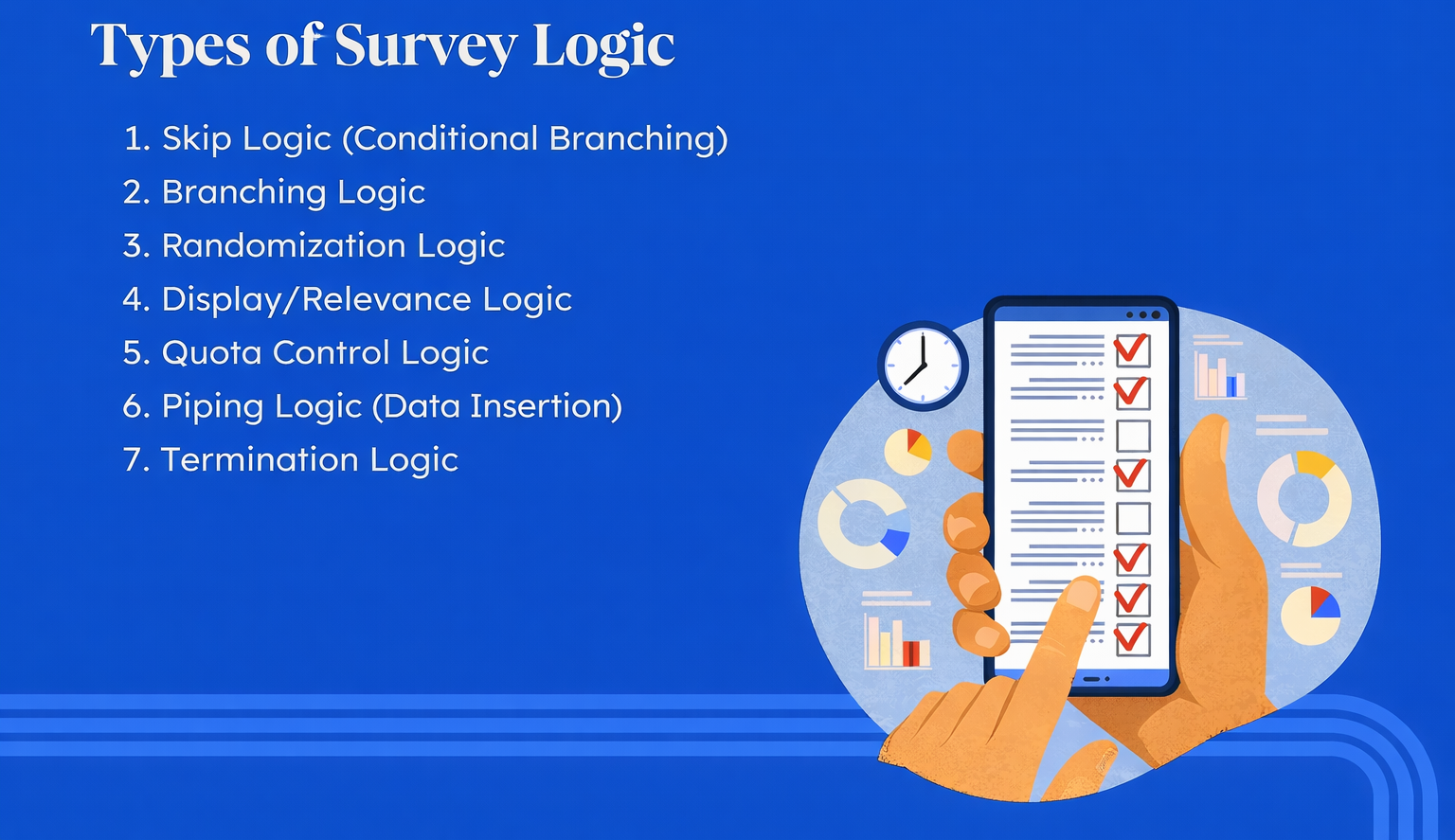
Use logic rules so people only see what’s relevant
Not every respondent needs to answer every question.
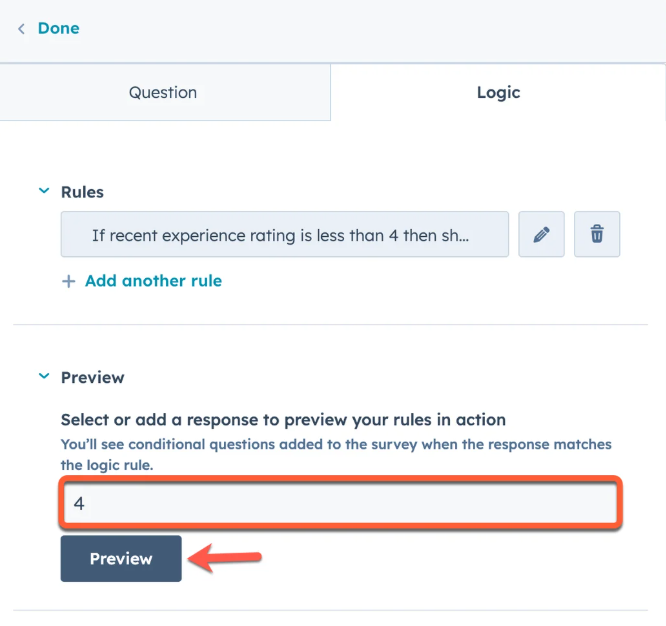
Conditional logic allows you to:
-
Ask follow-up questions only when they make sense
-
Avoid irrelevant or frustrating questions
-
Keep surveys short for promoters and more detailed for detractors
Examples:
-
If CSAT ≤ 3 → show an open-text follow-up
-
If the onboarding score is high → skip detailed diagnostic questions
-
If role ≠ decision-maker → hide strategic questions
This keeps the experience tight and respectful of the respondent’s time.
Front-load easy questions
Early friction kills completion.
Start with:
-
A simple rating or scale question
-
Something the respondent can answer instantly
Avoid opening with:
-
Long-form text fields
-
Multi-part questions
-
Anything that requires reflection or data lookup
Once someone has answered one question, they’re far more likely to finish.
Set expectations clearly in the intro copy
Don’t make people guess how much effort is required.
A single line of context makes a measurable difference:
“This takes under 60 seconds and helps us improve how we handle X.”
Specific beats vague. People are far more likely to continue when they know the time cost upfront.
Use supporting text where it adds clarity (not noise)
Short helper text can reduce hesitation:
-
Explain why you’re asking a question
-
Clarify how the feedback will be used
-
Reassure respondents that comments are read
Avoid generic filler. Every line should reduce uncertainty or friction.
The practical takeaway
Completion rates improve when surveys feel:
-
Structured, not endless
-
Relevant, not generic
-
Adaptive, not rigid
The goal is to make every question feel earned.
5. Close the loop visibly (this is where most teams fail)
Nothing kills future response rates faster than silence.
Use HubSpot workflows to:
-
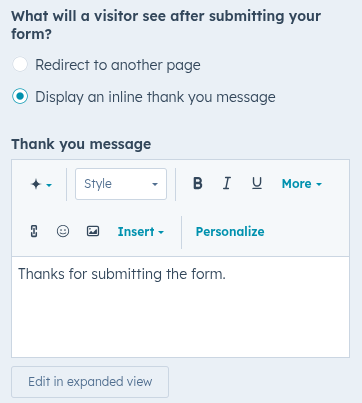
Thank the respondents automatically
-
Alert internal teams when detractors respond
-
Create follow-up tasks for CSMs
-
Track themes via custom properties
-
Share visible changes later
Customers respond more when they believe it actually matters.
A simple metaphor: surveys are conversations, not forms
Imagine stopping someone in the office to ask:
“Can you fill out this form for me?”
Now imagine saying:
“Quick question, you’ve just finished onboarding. What worked and what didn’t?”
Same questions.
Very different response rates.
The strategic outcomes leaders actually care about
When survey response rates improve meaningfully (even by 20–30%), teams unlock:
-
More reliable NPS and CSAT trends
-
Earlier churn-risk signals
-
Better product and CX prioritisation
-
Credible customer insight in leadership and board discussions
This is how surveys move from “nice to have” to decision-grade data.
Practical actions you can take this week
If you do nothing else:
-
Move at least one survey to an event-based workflow trigger
-
Change the sender to a named leader
-
Add a one-line “why this matters” to the email
-
Stop surveying customers who haven’t meaningfully engaged (this is a big one)
-
Create one visible follow-up action for respondents
No new tools required.
Tools and integrations that actually help
Native survey tools inside HubSpot usually outperform external tools when they’re automated properly.
What helps most:
-
Workflow-triggered surveys
-
Internal alerts for detractors
-
Dashboards that connect feedback to the lifecycle stage
What’s often overkill:
-
Over-custom survey platforms
-
Complex scoring frameworks
-
Too many survey types running at once
Common mistakes and red flags
- Surveys sent at arbitrary times
- No segmentation or suppression logic
- No follow-up on responses
- Leadership asks, “Why is NPS low?” but never acts on the comments
- Measuring response rate without caring who responded
The bold take
Low survey response rates are usually a trust problem
Customers respond when they believe:
-
The question is relevant
-
The timing makes sense
-
Someone is listening
Fix that, and the numbers follow.
TL;DR
-
Survey response rates are driven by relevance, timing, and trust
-
Event-based triggers outperform scheduled sends
-
Human senders beat generic inboxes
-
Closing the loop improves future responses
-
Better response rates unlock decision-grade insight

.jpg "HubSpot Journeys vs. Workflows")
Comments